
What Is My Instagram URL?
Не sure where to find the link to your Instagram profile, post, or Reel? This practical guide explains how Instagram URLs work
LikeWave Team
Published
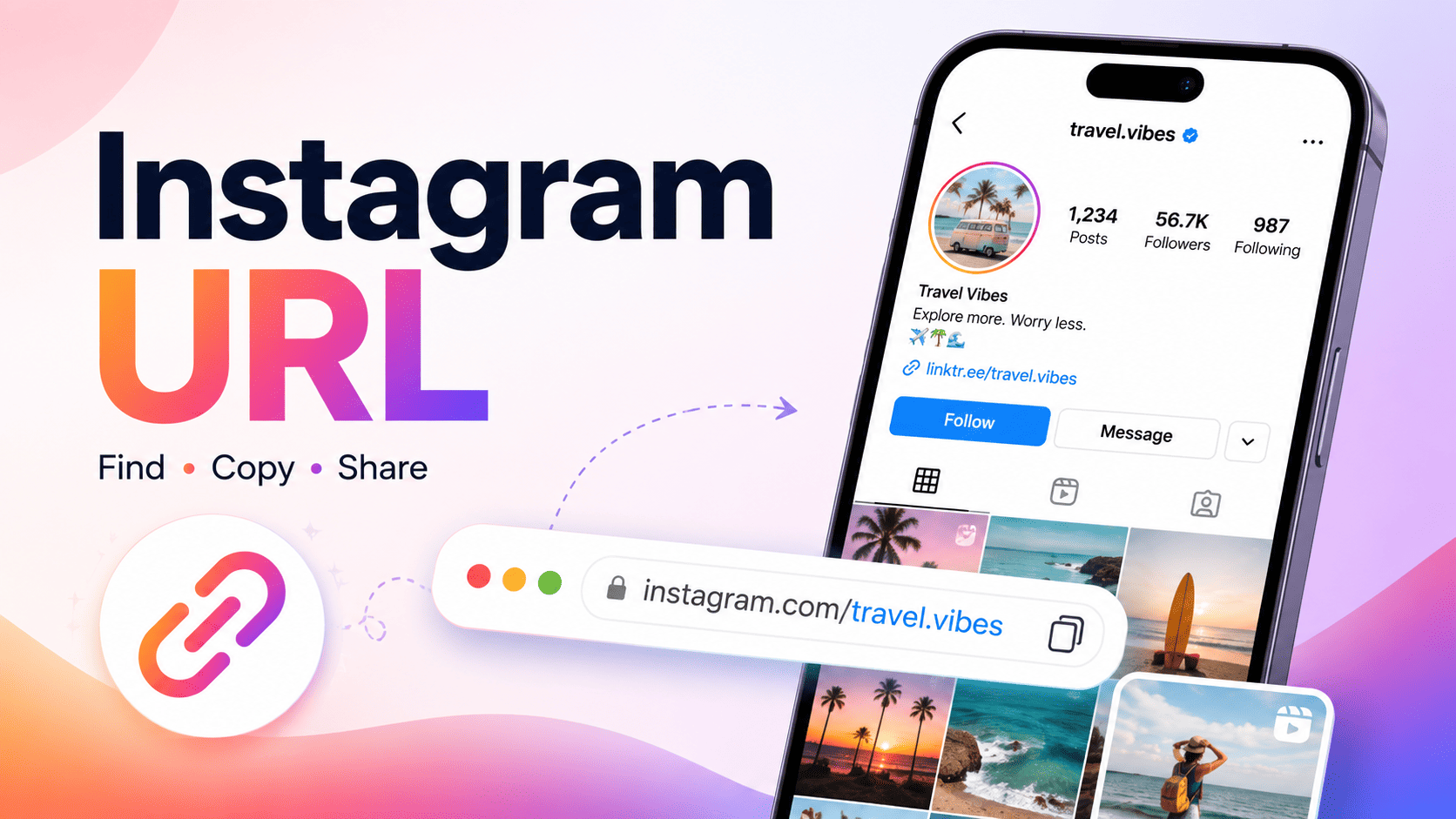
Your Instagram URL is the unique web address that opens your Instagram profile, post, Reel, or video in a browser or the Instagram app.
For a personal, creator, or business profile, the URL normally follows this format:
https://www.instagram.com/yourusername/
Replace yourusername with your actual Instagram username.
For example, if your Instagram username is travelwithanna, your Instagram profile URL is:
https://www.instagram.com/travelwithanna/
You can share this link in messages, emails, websites, social media bios, business listings, portfolios, and marketing materials. You can also copy the URL of a specific Instagram video or Reel and paste it into the LikeWave Instagram Video Downloader to download supported publicly available content.
What Is an Instagram URL?
An Instagram URL is a web link that points to a particular profile, page, or piece of content on Instagram. The URL tells a browser or the Instagram app exactly which account or publication to open.
An Instagram URL may lead to:
An Instagram profile
A photo post
A carousel post
A video post
An Instagram Reel
An Instagram Story
A hashtag page
An audio page
A location page
Your Instagram profile URL is based on your username, not your display name.
For example:
Display name: Anna Smith
Username:
annasmithInstagram URL:
https://www.instagram.com/annasmith/
Several people can have similar display names, but every active Instagram username must be unique.
What Is My Instagram URL?
Your Instagram profile URL is:
https://www.instagram.com/yourusername/
To create your link manually, add your Instagram username after instagram.com/.
Suppose your username is coffeehouseberlin. Your profile link will be:
https://www.instagram.com/coffeehouseberlin/
Make sure you use your username exactly as it appears on Instagram. Do not include the @ symbol in the URL.
Correct:
https://www.instagram.com/coffeehouseberlin/
Incorrect:
https://www.instagram.com/@coffeehouseberlin/
Instagram usernames are not case-sensitive, so capital letters generally do not affect where the link leads. However, using the lowercase version shown on your profile makes the URL cleaner and easier to share.
How to Find Your Instagram Username
Before creating your Instagram profile URL, you need to identify your exact username.
Find your username in the Instagram app
Open the Instagram app.
Tap your profile picture in the bottom-right corner.
Look at the username displayed at the top of your profile.
Add that username after
https://www.instagram.com/.
Your username may also appear next to your profile picture or above your bio, depending on your device and Instagram app version.
Find your username in a web browser
Open Instagram in your browser.
Sign in to your account.
Open your profile.
Look at the browser address bar.
The complete address displayed in the address bar is your Instagram profile URL.
How to Copy Your Instagram Profile URL on Mobile
Instagram’s interface may look slightly different depending on your device and app version. However, the general process is similar on iPhone and Android.
Method 1: Use the Share Profile button
Open the Instagram app.
Tap your profile picture in the bottom-right corner.
Tap Share profile below your bio.
Select Copy link if this option is available.
Paste the copied URL wherever you need it.
The Share Profile section may also display your Instagram QR code. You can show this code to other people or add it to printed marketing materials.
Method 2: Create the URL manually
If you do not see a Copy Link option, you can create the profile URL yourself.
Start with:
https://www.instagram.com/
Then add your username:
https://www.instagram.com/yourusername/
This method works on iPhone, Android, tablets, and desktop computers.
Method 3: Open Instagram in a browser
Open Safari, Chrome, Firefox, or another browser.
Go to Instagram and sign in.
Open your profile.
Tap the browser address bar.
Copy the complete URL.
This method is especially useful when you need a clean profile URL for a website, email signature, business directory, or social media profile.
How to Copy Someone Else’s Instagram Profile URL
You can also copy or share the URL of another person, creator, brand, or business.
Open the Instagram profile you want to share.
Tap the three-dot menu in the top-right corner.
Select Share this profile, Copy profile URL, or a similar option.
Choose where you want to send or paste the profile link.
If Instagram does not display a Copy Link option, look at the account’s username and create the URL manually:
https://www.instagram.com/username/
How to Copy an Instagram Post URL
A profile URL leads to an Instagram account, while a post URL leads to one specific piece of content.
Instagram post URLs usually follow this format:
https://www.instagram.com/p/POSTCODE/
To copy an Instagram post link:
Open the Instagram post.
Tap the share or paper-airplane icon below the post.
Tap Copy link.
Paste the URL into a message, document, browser, or supported online tool.
The letters and numbers after /p/ are the unique identifier for that post. You should copy the link directly instead of trying to type it manually.
How to Copy an Instagram Reel URL
Instagram Reel URLs normally follow this format:
https://www.instagram.com/reel/REELCODE/
To copy the URL of an Instagram Reel:
Open the Reel in Instagram.
Tap the share icon.
Select Copy link.
Paste the link wherever you want to share or use it.
A Reel URL can be useful when you want to:
Send the video to another person
Share it outside Instagram
Add it to a report or content calendar
Reference it in an article
Analyze a marketing campaign
Request content approval
Save your own public video
Download content you have permission to use
How to Copy an Instagram Video URL
The steps for copying an Instagram video link are similar to the steps for a post or Reel:
Open the Instagram video.
Tap the share button.
Select Copy link.
Paste the URL into your browser or another compatible service.
Depending on how the video was published, its URL may include /p/, /reel/, or another Instagram content path.
Always copy the complete link provided by Instagram. A standard Instagram link should begin with:
https://www.instagram.com/
Why Do You Need an Instagram URL?
An Instagram URL is more than a link to your account. It can be used for communication, marketing, content management, reporting, and media tools.
1. Share your Instagram profile
You can send your profile URL through:
WhatsApp
Telegram
Messenger
Email
SMS
Slack
Online communities
Contact forms
Unlike sharing only your username, a clickable Instagram URL takes the person directly to your profile.
2. Add Instagram to your website
Businesses, creators, freelancers, and organizations can place their Instagram profile URL on:
A website header or footer
A contact page
An About Us page
An author profile
A portfolio
A press page
A Link in Bio page
Use descriptive anchor text such as:
Follow us on Instagram
View our Instagram profile
See our latest work on Instagram
Follow Anna on Instagram
This is clearer and more accessible than displaying a long URL by itself.
3. Add your Instagram URL to an email signature
An Instagram link in an email signature can help clients, partners, and readers discover your content.
Example:
Follow our latest projects on Instagram: https://www.instagram.com/yourusername/
For a cleaner signature, make an Instagram icon or the words “Follow us on Instagram” clickable.
4. Add the URL to other social media profiles
You can add your Instagram profile link to your:
YouTube channel
TikTok bio
Facebook Page
LinkedIn profile
X profile
Pinterest account
Twitch channel
Connecting your active social profiles makes it easier for followers to find you on the platforms they use.
5. Include the URL in business listings and media kits
Influencers, creators, agencies, and local businesses can include their Instagram URL in media kits, sponsorship proposals, creator portfolios, online directories, and partnership applications.
A direct link allows potential partners to review the account without searching for the username manually.
6. Share individual posts and Reels
Sometimes you do not want to send your entire profile. A direct post or Reel URL takes the recipient to the exact content you want them to see.
This can be useful for:
Showing examples of previous work
Sharing customer testimonials
Sending product demonstrations
Referencing campaign content
Reporting copyright violations
Requesting content approval
Collecting feedback from a team
7. Download a public Instagram video using its URL
A copied Instagram video or Reel URL can be pasted into the LikeWave Instagram Video Downloader.
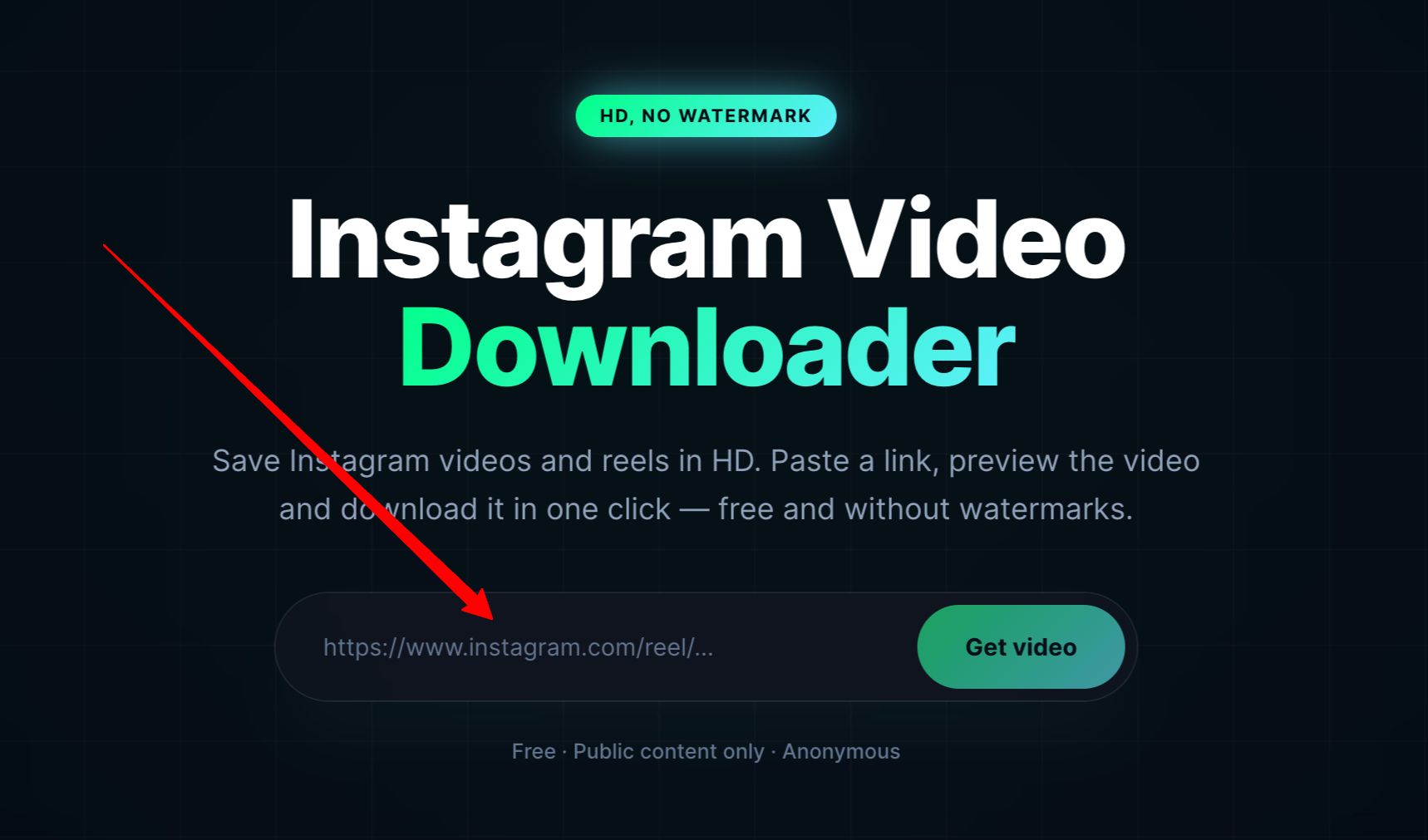
To download a supported public Instagram video:
Open the Instagram video or Reel.
Tap the share button.
Select Copy link.
Open the LikeWave Video Downloader.
Paste the Instagram video URL into the input field.
Click the download or processing button.
Preview and download the available video.
You do not need to manually search for the video after copying its URL. The link identifies the exact Instagram publication that the downloader should process.
LikeWave is intended for publicly available Instagram content. It cannot access videos from private accounts.
Only download or reuse videos that you created, that are available under an appropriate licence, or that you have permission to save and use. The fact that a video has a public URL does not automatically remove the creator’s copyright.
Instagram Profile URL vs Post URL vs Reel URL
URL type Example format What it opens Profile URL instagram.com/username/ A user, creator, or business profile Post URL instagram.com/p/code/ A specific photo, carousel, or video post Reel URL instagram.com/reel/code/ A specific Instagram Reel Story URL instagram.com/stories/username/... A currently available Instagram Story Hashtag URL instagram.com/explore/tags/hashtag/ Instagram content associated with a hashtag
When someone asks for your “Instagram URL,” they usually mean your profile URL. When a website or downloader asks for an “Instagram video URL,” it normally requires the link to the individual video or Reel, not the link to your profile.
Is My Instagram URL the Same as My Username?
No. Your username is one part of your Instagram URL.
For example:
Username:
johncreatesProfile URL:
https://www.instagram.com/johncreates/
The username identifies your account inside Instagram. The URL is the complete clickable web address that opens the account.
You should also avoid confusing your username with your display name.
A profile may show:
Display name: John | Travel Photographer
Username:
johncreates
The profile URL uses johncreates, not “John | Travel Photographer.”
Does a Private Instagram Account Have a URL?
Yes. Private Instagram accounts still have profile URLs.
For example:
https://www.instagram.com/privateusername/
Other users may be able to open the profile page, but only approved followers can view its private posts, videos, Reels, and Stories.
A private profile URL does not bypass Instagram’s privacy settings. Similarly, the LikeWave Video Downloader cannot retrieve content from private Instagram accounts.
Does My Instagram URL Change?
Your Instagram URL changes when you change your username.
For example, suppose your old username was:
annatravels
Your old profile URL was:
https://www.instagram.com/annatravels/
After changing the username to annatravelsworld, the new URL becomes:
https://www.instagram.com/annatravelsworld/
After changing your username, update the Instagram link everywhere you previously published it, including:
Your website
Your email signature
Link in Bio tools
Business cards
QR codes
YouTube descriptions
Other social profiles
Online directories
Media kits
Marketing campaigns
Do not assume that an old Instagram URL will always redirect to your new username. The previous username may eventually become available to another account.
Why Is My Instagram URL Not Working?
An Instagram link may fail for several reasons.
The username was typed incorrectly
Check for missing letters, extra characters, underscores, or periods.
For example, these usernames may lead to completely different accounts:
mybrandmy.brandmy_brand
The @ symbol was included in the URL
Do not use:
https://www.instagram.com/@mybrand/
Use:
https://www.instagram.com/mybrand/
The username has changed
If the account owner changed their username, the old profile URL may no longer open the correct account.
The account was deleted or deactivated
A deleted, suspended, or temporarily deactivated account may not be accessible through its previous URL.
The content is private
A profile link may work, but its publications may remain hidden from users who have not been approved as followers.
The post or Reel was removed
A direct link can stop working if the creator deletes or archives the content, Instagram removes it, or its visibility settings change.
The copied URL is incomplete
Make sure you copied the entire link. A standard Instagram URL normally starts with:
https://www.instagram.com/
Instagram requires the visitor to sign in
Instagram may ask visitors to sign in before viewing certain pages or after repeated browsing without an active account session.
Is It Safe to Share My Instagram URL?
Sharing your Instagram URL does not reveal your password or give someone access to your account.
It only directs people to the same profile or content they could normally find through Instagram search.
However, consider the following before publishing your link:
Review the information visible in your bio.
Remove personal contact details you do not want to share publicly.
Check tagged photos and mentions.
Use a private account when appropriate.
Do not enter your Instagram password into untrusted websites.
Avoid tools that claim they can access private-account content.
A URL-based video downloader should generally require the public content link, not your Instagram password.
How to Make Your Instagram URL Easier to Share
A clear username creates a cleaner and more memorable Instagram URL.
Try to choose a username that is:
Short
Easy to spell
Relevant to your name or brand
Consistent with your other social profiles
Free from unnecessary numbers and symbols
For example:
https://www.instagram.com/brightstudio/
is usually easier to remember than:
https://www.instagram.com/bright_studio_2026_official/
You can also use an Instagram QR code to share your profile. This can be useful for:
Business cards
Printed menus
Product packaging
Posters
Events
Storefronts
Presentations
Quick Answer: How Do I Get My Instagram URL?
Open your Instagram profile.
Find your exact username.
Add it after
https://www.instagram.com/.Do not include the
@symbol.Copy and test the completed link.
Example:
Username:
likewave
Instagram URL:
https://www.instagram.com/likewave/
You may also be able to open Share profile in the Instagram app and use the available link-copying option.
Frequently Asked Questions
What is my Instagram URL?
Your Instagram URL is the web address that opens your profile. It normally follows this format:
https://www.instagram.com/yourusername/
Replace yourusername with the username shown at the top of your Instagram profile.
How do I copy my Instagram URL?
Open your Instagram profile, tap Share profile, and choose Copy link when available. You can also open your profile in a browser and copy the URL from the address bar.
Can I create my Instagram URL manually?
Yes. Add your username after https://www.instagram.com/. Do not include the @ symbol.
What is the difference between an Instagram username and URL?
A username identifies your account, while the URL is the complete web address containing that username. For example, the username mycompany becomes https://www.instagram.com/mycompany/.
Can I find my Instagram URL without logging in?
You can create the URL manually if you know your exact username. Enter https://www.instagram.com/yourusername/ into a browser and replace the final section with your username.
Does a private account have an Instagram URL?
Yes. Every active private account has a profile URL, but only approved followers can view its private posts, videos, Reels, and Stories.
How do I get the URL of an Instagram Reel?
Open the Reel, tap the share icon, and select Copy link. The URL will normally contain /reel/ followed by the Reel’s unique code.
How do I get the URL of an Instagram post?
Open the post, tap the share icon below it, and select Copy link. A standard Instagram post URL usually contains /p/.
Can I use an Instagram URL to download a video?
Yes, when the video is publicly available and the downloader supports Instagram links. Copy the individual video or Reel URL and paste it into the LikeWave Instagram Video Downloader.
Can someone access my account using my Instagram URL?
No. A profile URL does not contain your password and does not give another person control over your account. It simply opens your Instagram profile.
Will my Instagram URL change if I change my name?
Changing your display name does not change your URL. Changing your username does because the username is included in the profile link.
Why does my Instagram URL open the wrong account?
You may have entered the wrong username, used an outdated username, or followed an old link associated with a username that is now used by another account.
Can I put my Instagram URL on my website?
Yes. You can add it to your website navigation, footer, contact page, author bio, social media section, or portfolio. Use descriptive anchor text such as “Follow us on Instagram” instead of displaying only the full URL.
Final Thoughts
Your Instagram URL is the direct web address of your account or content. For a profile, it consists of Instagram’s domain followed by your username:
https://www.instagram.com/yourusername/
Knowing how to find and copy this URL makes it easier to share your account, promote a business, connect your social profiles, reference individual posts, and use Instagram utility tools.
When you need the URL of a specific video or Reel, open the publication and select Copy link from the sharing menu. You can then share the content or paste its public URL into the LikeWave to process and download supported videos without entering your Instagram password.